
A simpler alternative to WordPress
Tired of plugin chaos, security updates and slow hosting? Nettify gives you the site without the maintenance - built by AI, edited visually, real human support included.
Last updated: 26 October 2026
Free to get started · No credit card

Built for Google
Top scores, out of the box
Every Nettify site ships with top scores on what Google itself measures - accessibility, best practices and SEO. That means faster pages, better rankings, and a site ready to be found from day one.

How Nettify works
Everything WordPress makes hard, Nettify makes easy
WordPress was great in 2010. In 2026 many spend more time maintaining than building. Nettify ends plugin updates, security breaches, theme mess and slow hosting. You focus on your business - we handle the rest.
Why people look for a WordPress alternative
WordPress powers a large share of the web, and for good reason — it is free, endlessly extensible and you own the whole stack. The reasons people leave are rarely about capability.
They are about maintenance. A WordPress site is a collection of independently updated parts: core, theme, and a dozen plugins that each update on their own schedule and occasionally conflict. Something breaking after an update is not an edge case; it is the ordinary experience of running one.
The second reason is that the real cost is hidden. The software is free, but hosting, a premium theme, plugin licences and someone to call when it breaks are not.
What WordPress actually costs to run
Budget for hosting, a domain, and usually a premium theme and a few paid plugins. On its own that is modest — the variable is time and expertise.
The cost that catches people out is maintenance. Either you do it — updates, backups, security patching, fixing whatever broke — or you pay someone. Neither is free, and the second is an ongoing retainer rather than a one-off.
Compare the whole picture rather than the headline: see what a website costs with hosting, maintenance and support included versus assembled separately.
Where an all-in-one platform differs
Everything arrives connected. Hosting, HTTPS, backups, forms, SEO foundations and the editor are one product from one supplier, so there is nothing to integrate and nothing to keep compatible.
That removes the entire category of problem where a theme and a plugin disagree after an update. There are no plugins, so there is nothing to conflict.
The trade-off is real: you get less absolute freedom than WordPress gives you. If you need a specific plugin that only exists in that ecosystem, WordPress remains the right answer — worth saying plainly rather than pretending otherwise.
Migrating without losing your rankings
The risk in any migration is not the content, it is the URLs. Move a page without telling Google where it went, and the ranking you built goes with it.
So the order matters: map every existing URL first, keep the structure wherever you can, and set up 301 redirects for every address that has to change. Then move content, then switch the domain, then verify in Search Console.
Done that way, rankings follow you across. Done carelessly, you spend six months recovering traffic you already had.
Speed, and why it is easier to get right here
WordPress speed is winnable but it is a project — caching plugins, image optimisation, trimming what the theme loads, and redoing some of it after each major update.
A platform that controls the whole output can simply be fast: clean semantic HTML, only the code the page needs, images handled automatically. That shows up in Core Web Vitals, which affect both ranking and how many mobile visitors stay.
It is not that WordPress cannot be fast. It is that keeping it fast is a recurring task rather than a default.
Who should stay on WordPress
If you already know WordPress and are comfortable maintaining it, staying is perfectly reasonable — migrating buys you little.
If you depend on a plugin with no equivalent elsewhere, or run something genuinely complex like a membership system or a large multilingual publication, the ecosystem is the reason to be there.
And if you have a developer on hand, the maintenance argument mostly disappears. The case for switching is strongest for the business owner who never wanted to be a system administrator — see Nettify Delivered if you would rather not run any of it.
Features
How Nettify beats WordPress
No plugins to maintain
All features are built in and update automatically. No conflicts, no breakage.
No security updates
Nettify handles security in the background. No fear of hacking or outdated plugins.
Fast without caching plugins
Nettify sites are fast from the start - no WP Rocket, no W3 Total Cache.
Hosting built in
Skip picking between 50 hosts. Nettify includes hosting, CDN and HTTPS.
Visual editing that works
No Gutenberg, no Elementor, no conflicts. Just click and edit.
real human support
WordPress support is mostly English forums. Nettify has real human support and docs.
What customers say about us
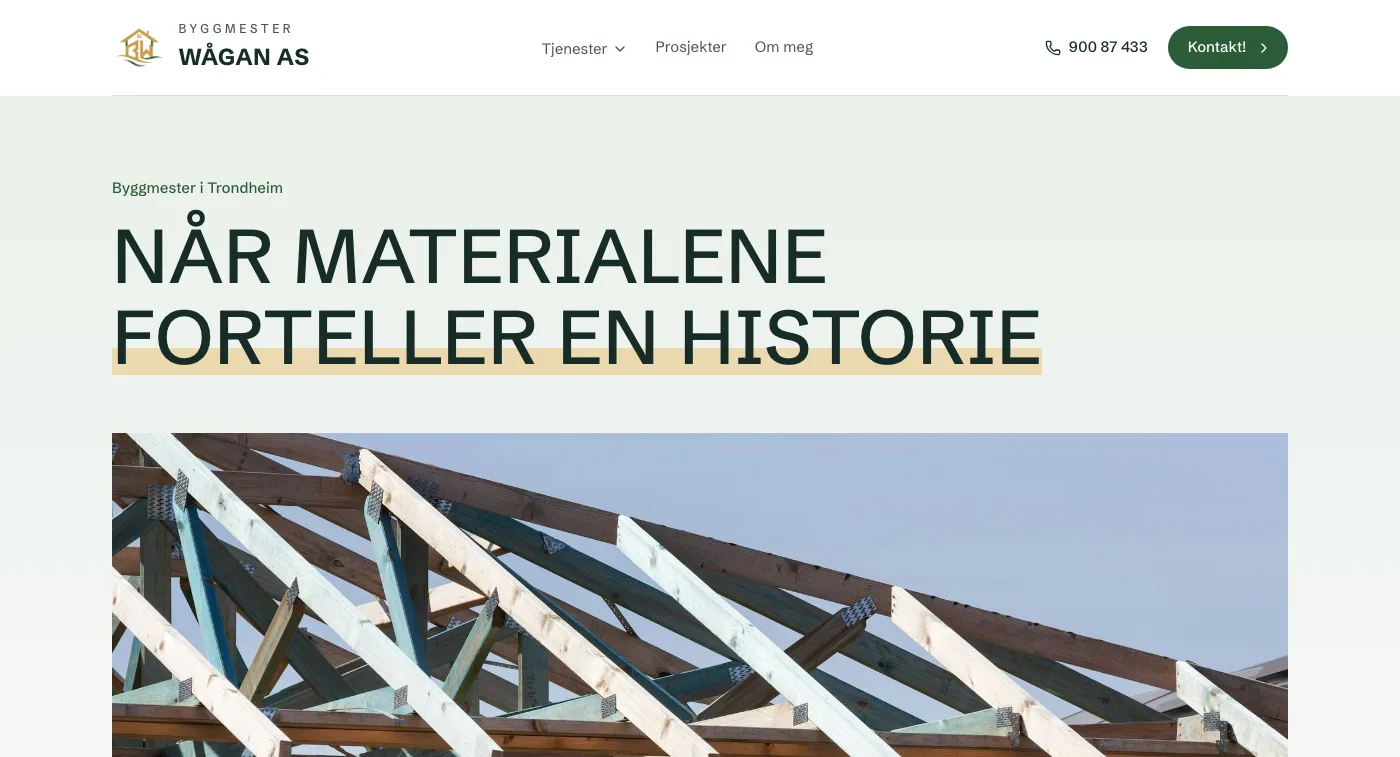 Delivered byNettifywww.byggmesterwaagan.no
👍🏼 Very happy with the new website. Recommended!

Tor. W
November 14, 2026
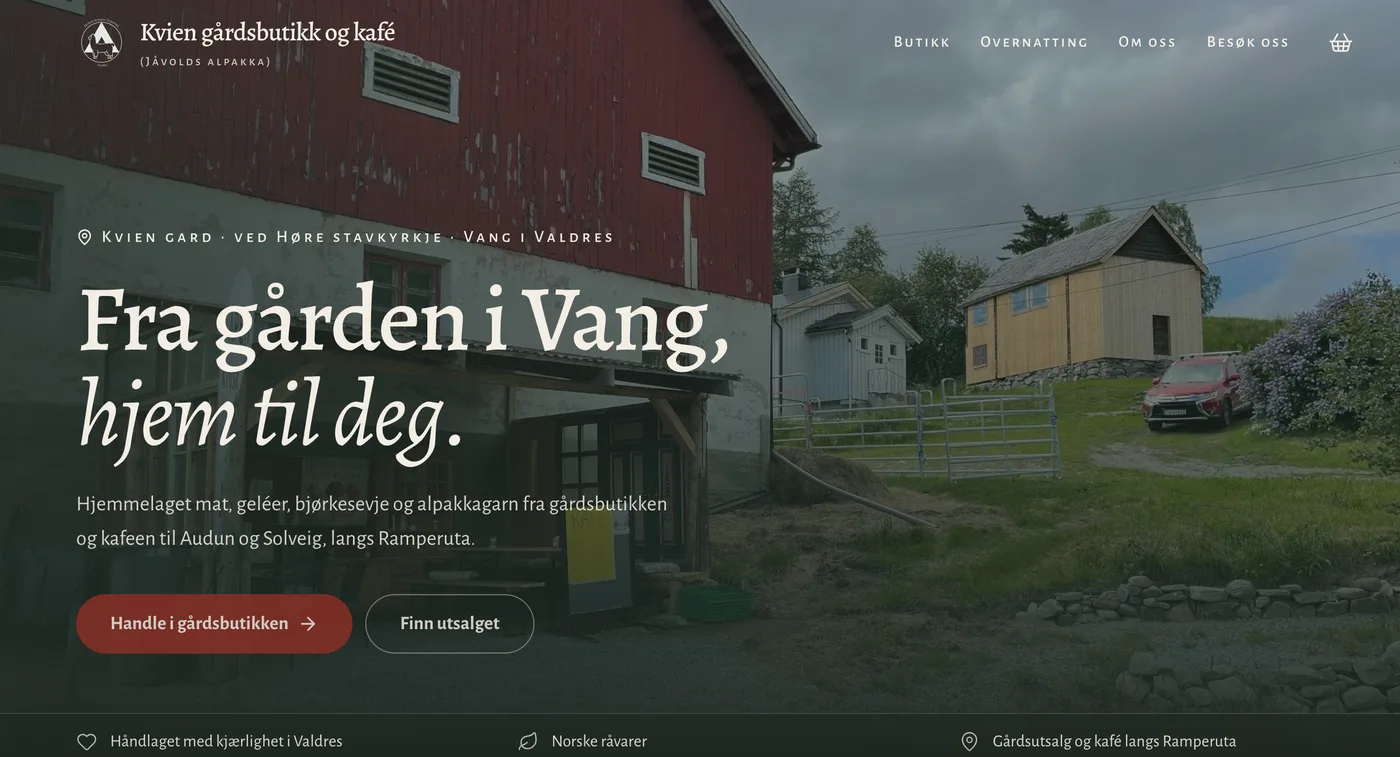 Webshop delivered byNettifykviengardsbutikk.no
👍🏼 You're super good and fast! Our farm shop now has an online store we're very happy with.
Audun. J
October 31, 2026
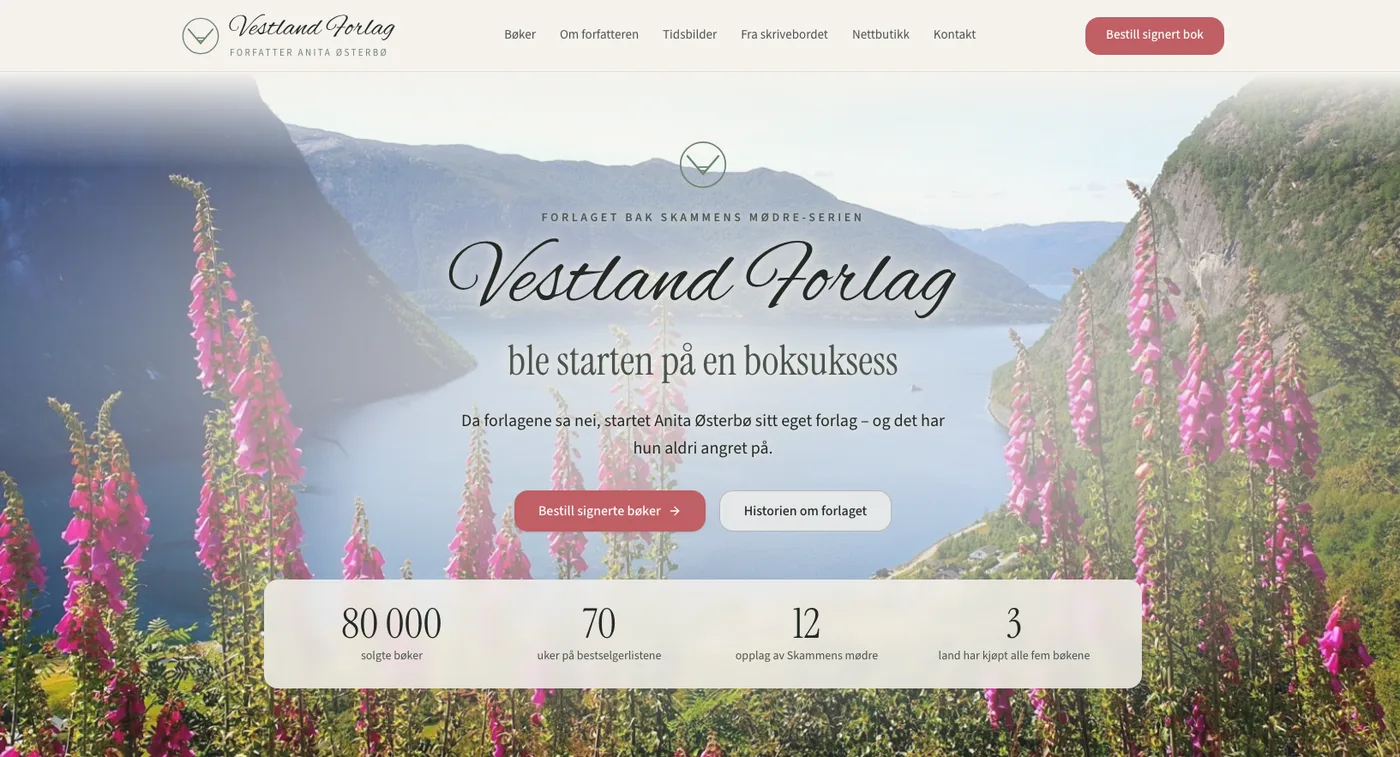 Webshop delivered byNettifyvestlandforlag.no
I'm very happy with Nettify, who made a new website for vestlandforlag.no. It's now live with an online store, simple and clear, and I got it exactly the way I wanted. Thank you so much, I'm super happy!

Anita. Ø
October 31, 2026
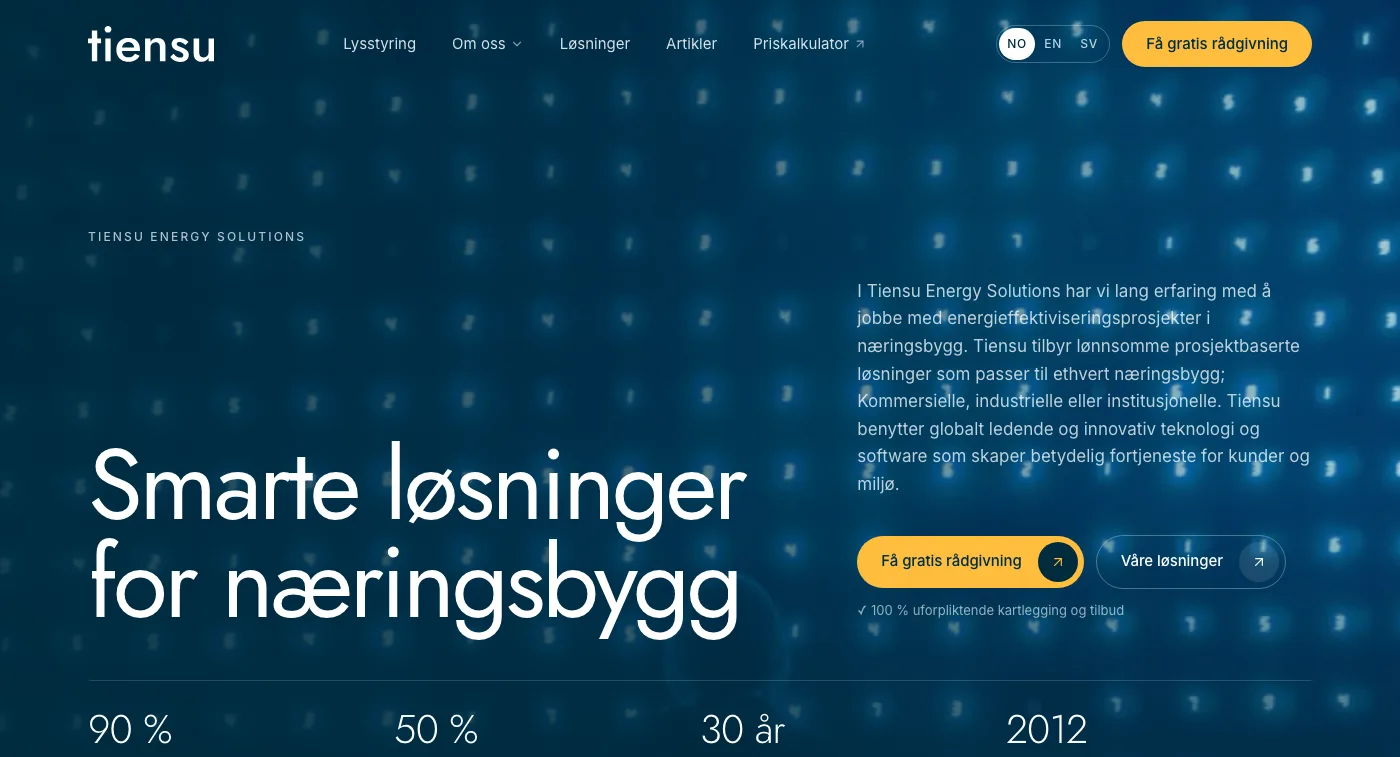 Delivered byNettifytiensu.eu
We had a great website delivered by Nettify and we're very happy! 😊

A. Johansen
October 24, 2026
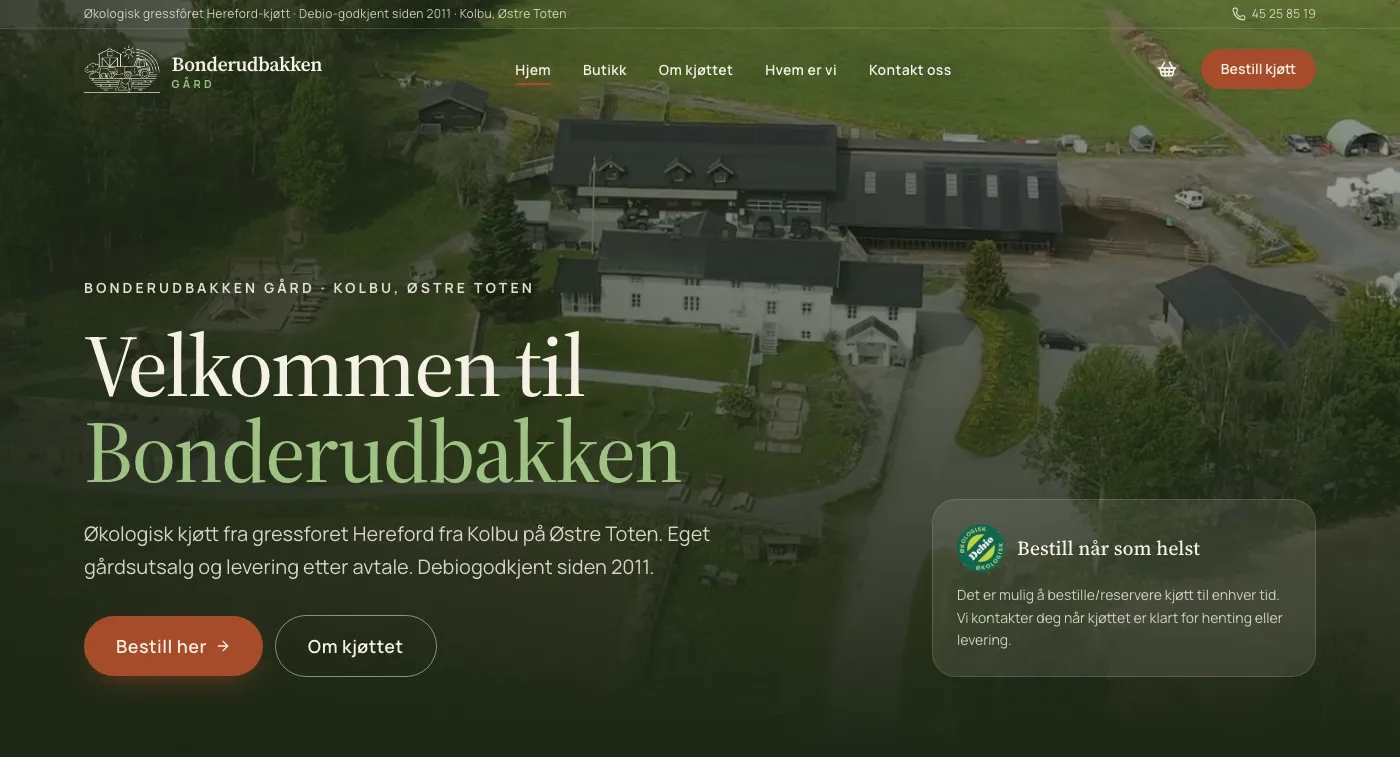 Built withNettifybonderudbakken.no
Really happy with the customer follow-up and the email replies! Genuinely great stuff.

Peik.S
October 21, 2026
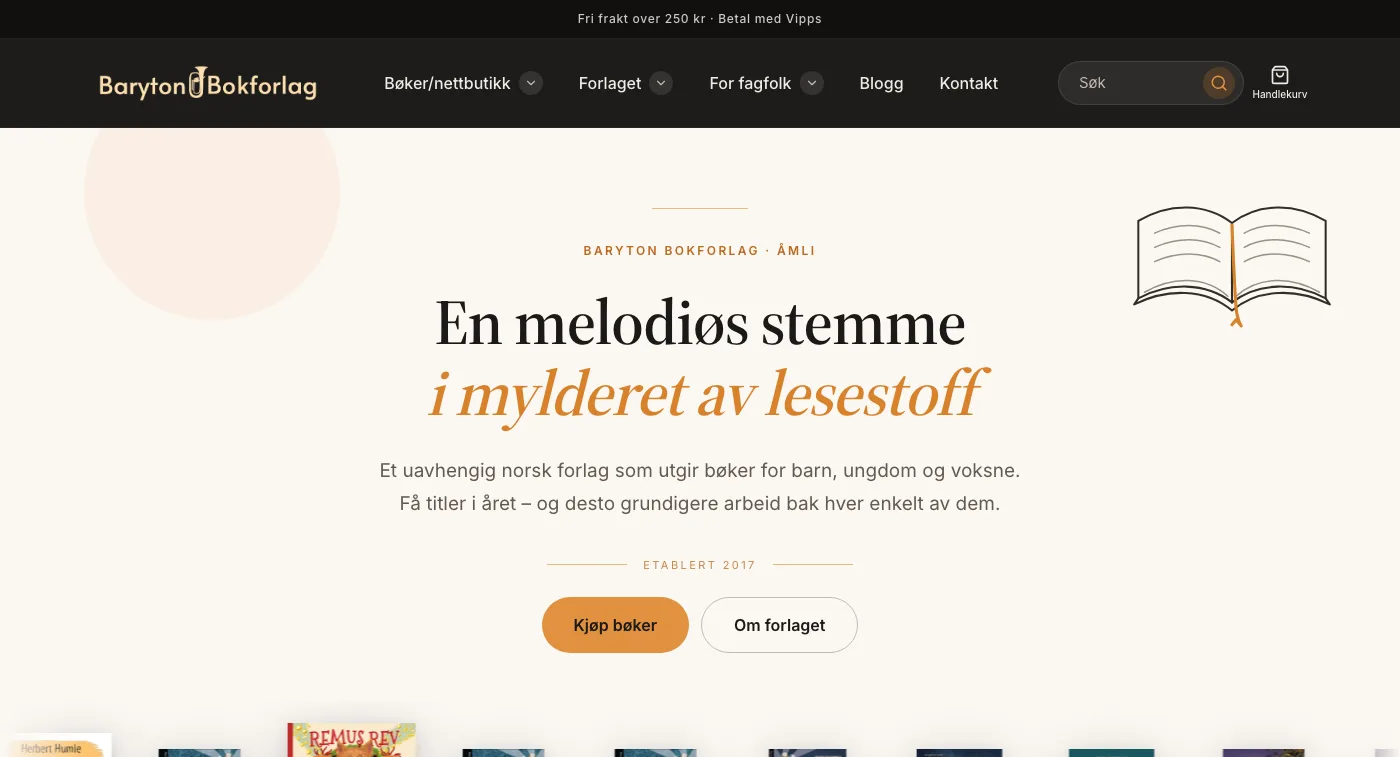 Webshop delivered byNettifybaryton-bokforlag.com
We're very happy with the online store we got from Nettify – the result turned out exactly the way we wanted.

Petter og Kristin
October 14, 2026
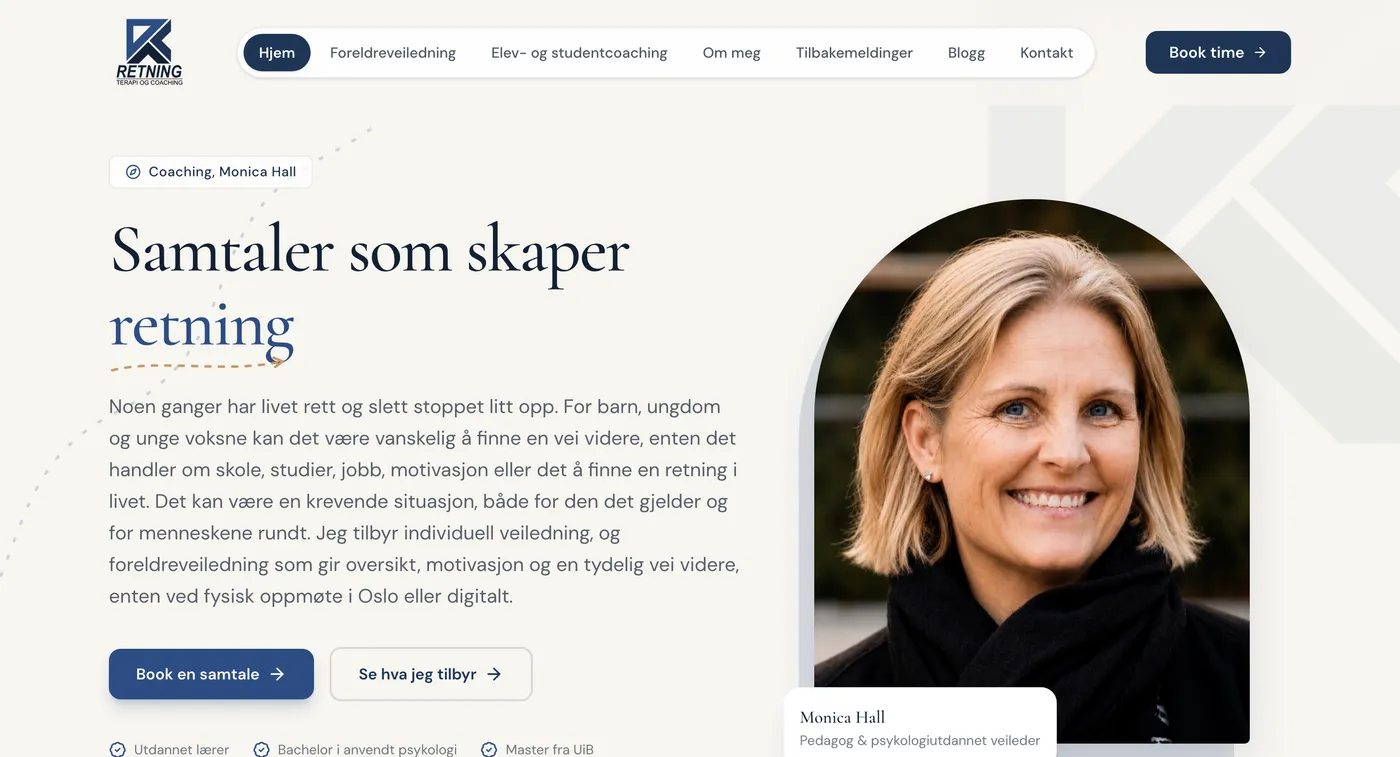 Delivered byNettifyretningcoaching.no
Excellent service the whole way. The pages are easy to create and edit yourself. Whenever I ran into questions or problems, the response time and the help were right there. Highly recommended!! I've had a lot of praise for clear, well-made websites.

Monica.H
September 7, 2026
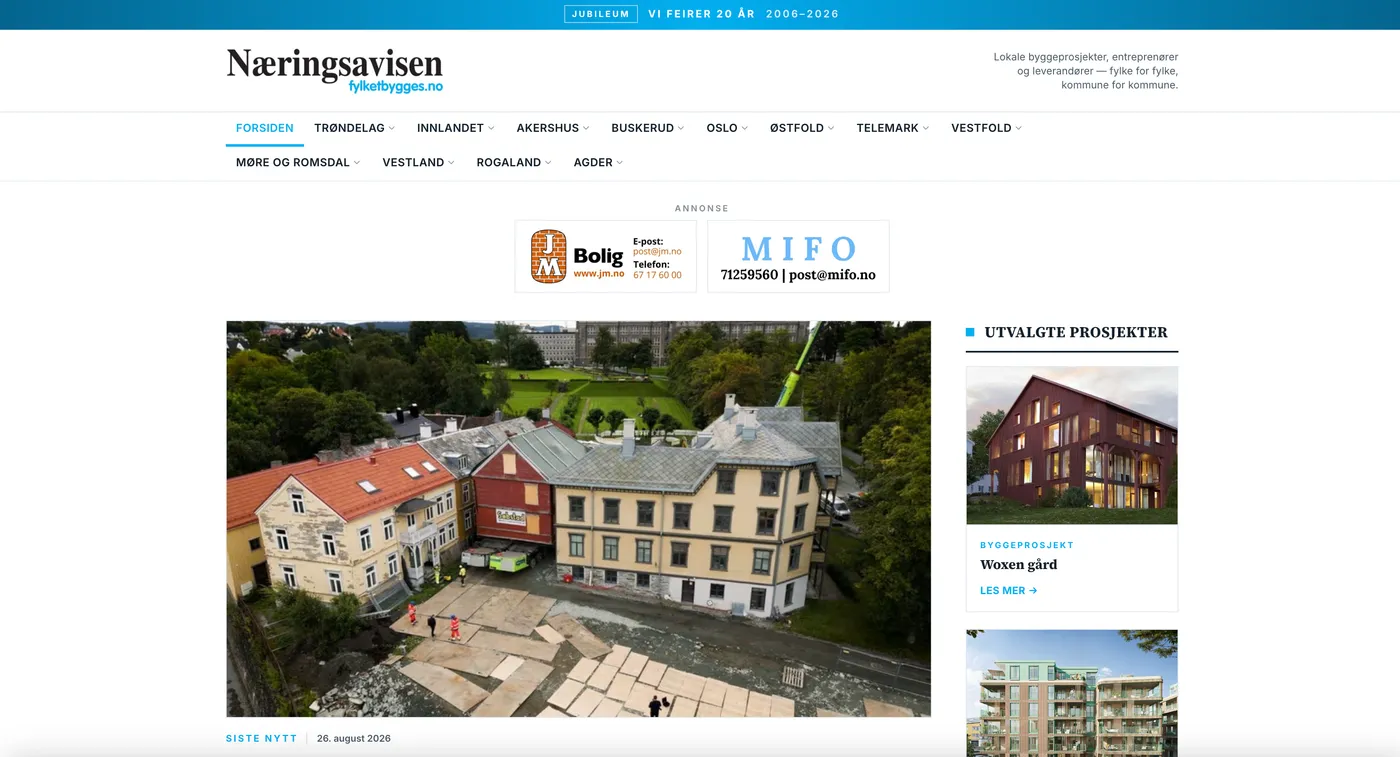 Delivered byNettifyfylketbygges.no
Really happy with Nettify and Kevin! 🙌 Kevin replies quickly, is solution-oriented and got everything I asked for done. The new website is easy to use and has made my job much easier. It feels reassuring to have Nettify behind me whenever I need help. Warmly recommended!

Emily.F
September 1, 2026
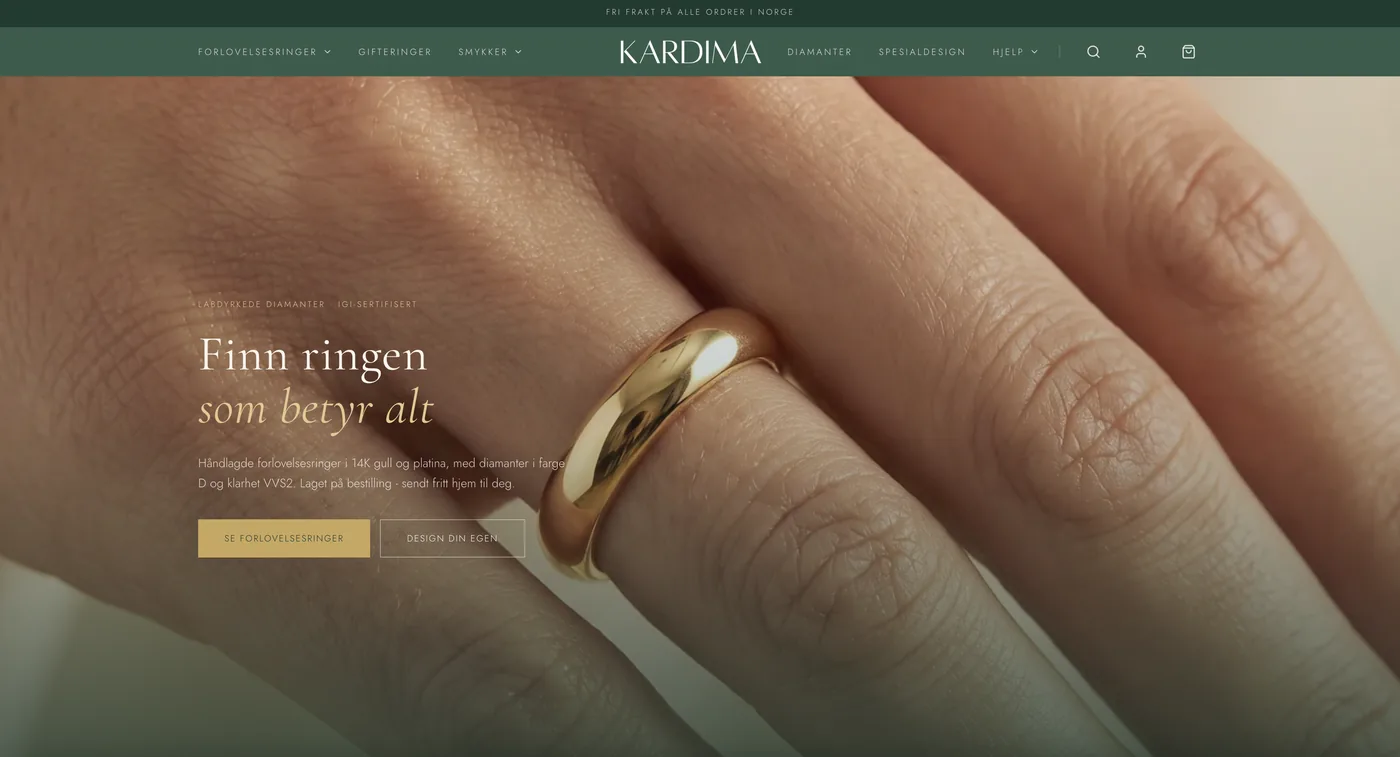 Webshop delivered byNettifykardima.no
We had an online store delivered that we're really happy with. The design is polished and shows our products the way we wanted, and afterwards the builder is easy to use whenever we add new items or adjust something ourselves. Having someone build it for you and still keeping full control afterwards was exactly what we needed. We strongly recommend Nettify.

Moe.K
August 20, 2026
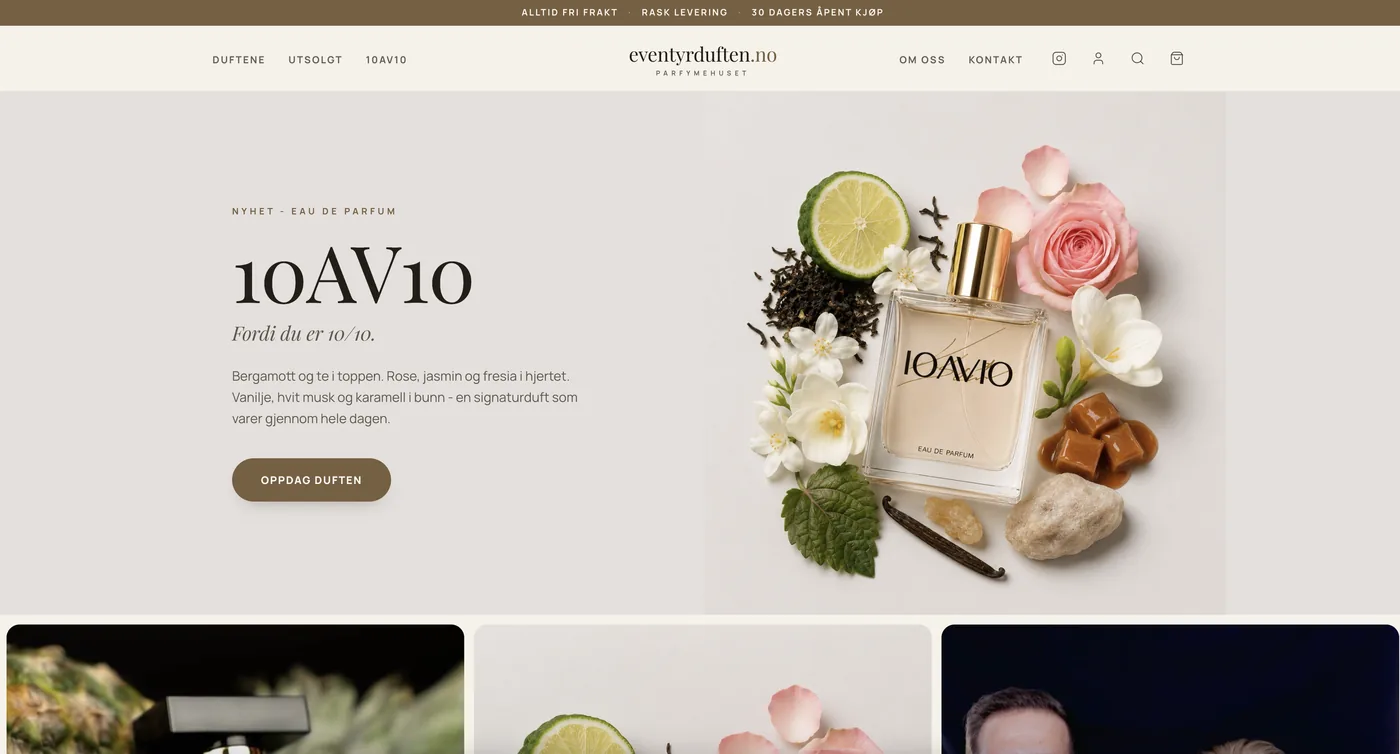 Webshop delivered byNettifyeventyrduften.no
What we appreciate most of all is the service. Kevin has been quick off the mark, come up with good solutions and made the whole process really smooth for us — that's incredibly valuable when you run an online store and want partners you can genuinely rely on. The result is a store that represents Eventyrduften and our products far better than before: more professional, more polished and right for our brand, while still being easy to raise requests and adjustments along the way. We can absolutely recommend Nettify to anyone who wants help with an online store or a website.

Kristian S.
August 18, 2026
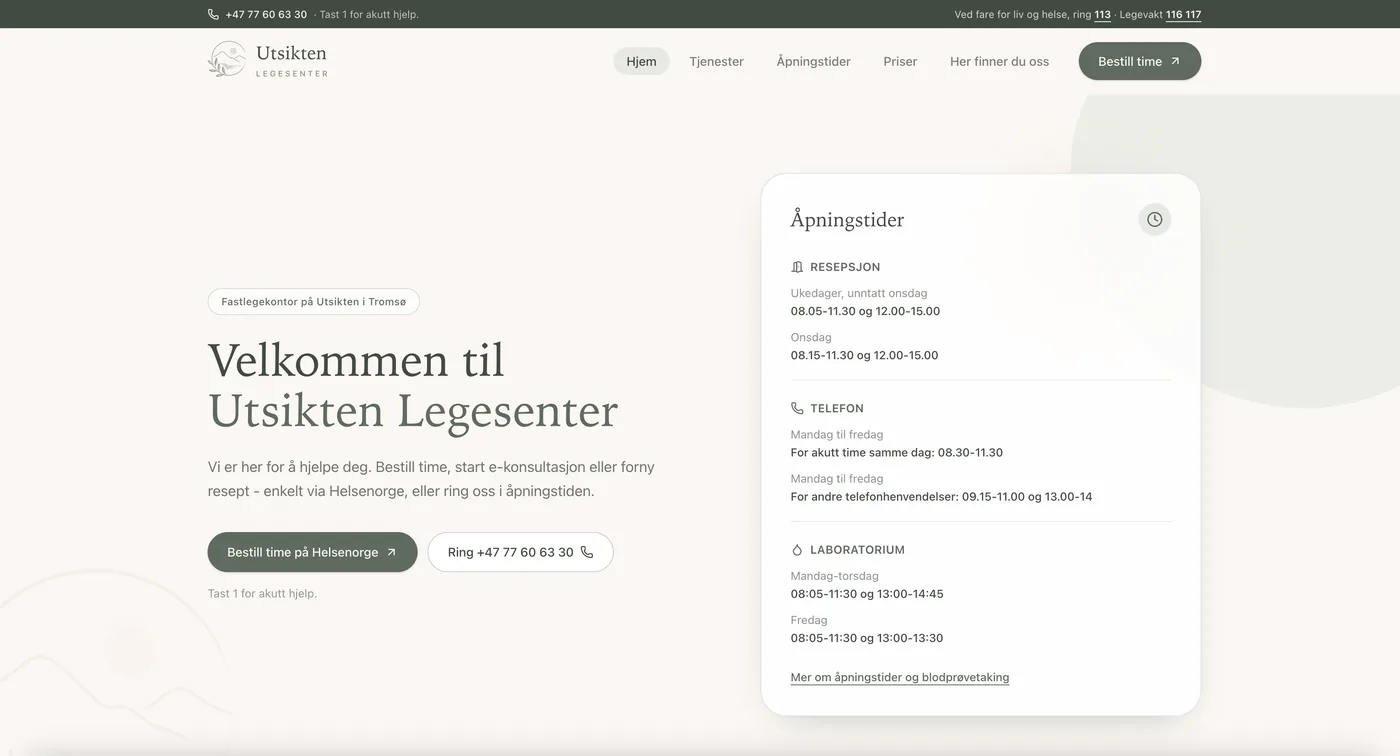 Delivered byNettifylegesenter-utsikten.no
Fantastic help — you get support the moment you need it. They reply quickly and efficiently! The website turned out so nice! We at the doctor's office are really happy with it, and it was presented at our morning meeting today!

Heidi T.
August 19, 2026
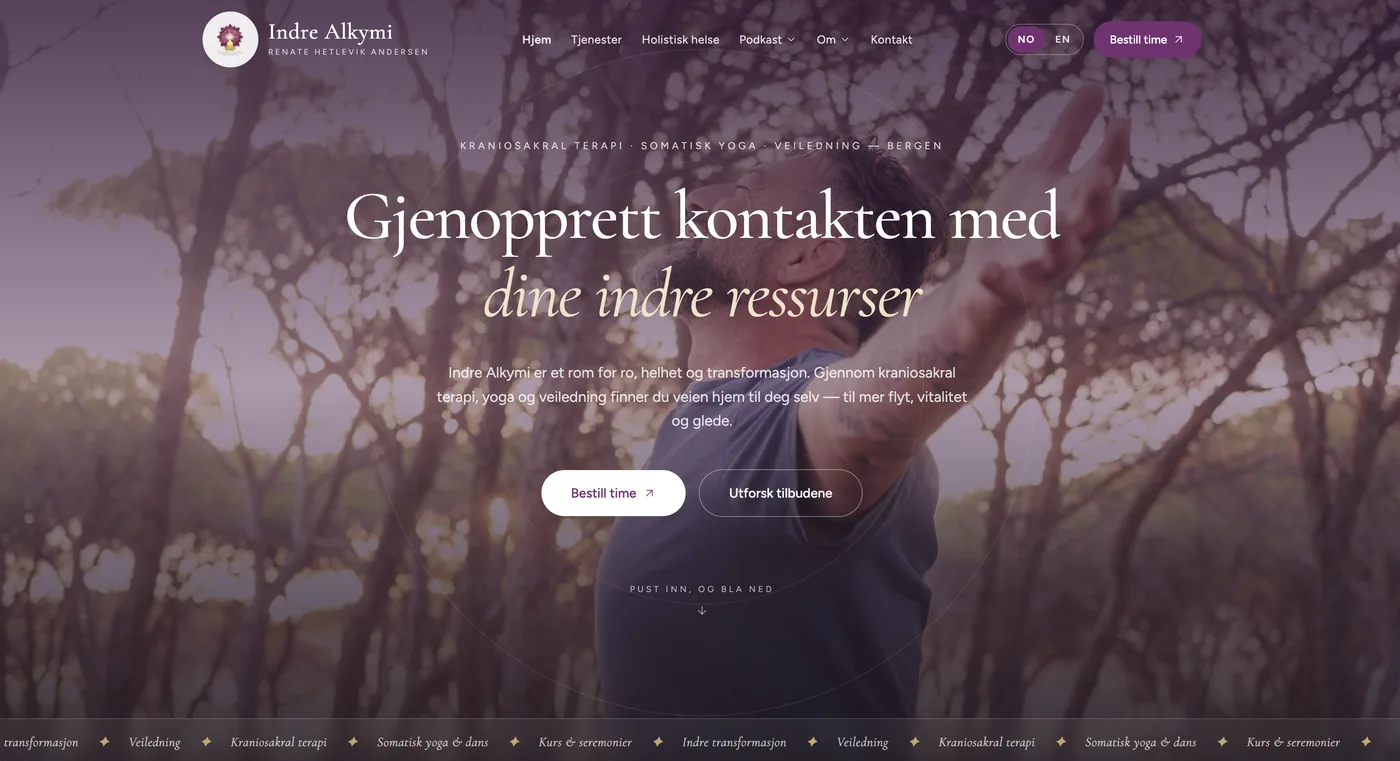 Built withNettifyindrealkymi.no
Can highly recommend them! Fast and great service. Good help getting started with the design and the migration, and a good understanding of what we wanted. Very good prices and a lot of help with problem-solving and with handling the hiccups along the way. So far we've had a head start on building new versions of two different sites we had in another system, and they've turned out really well, we think, with good solutions for every feature.

Renate A.
August 16, 2026
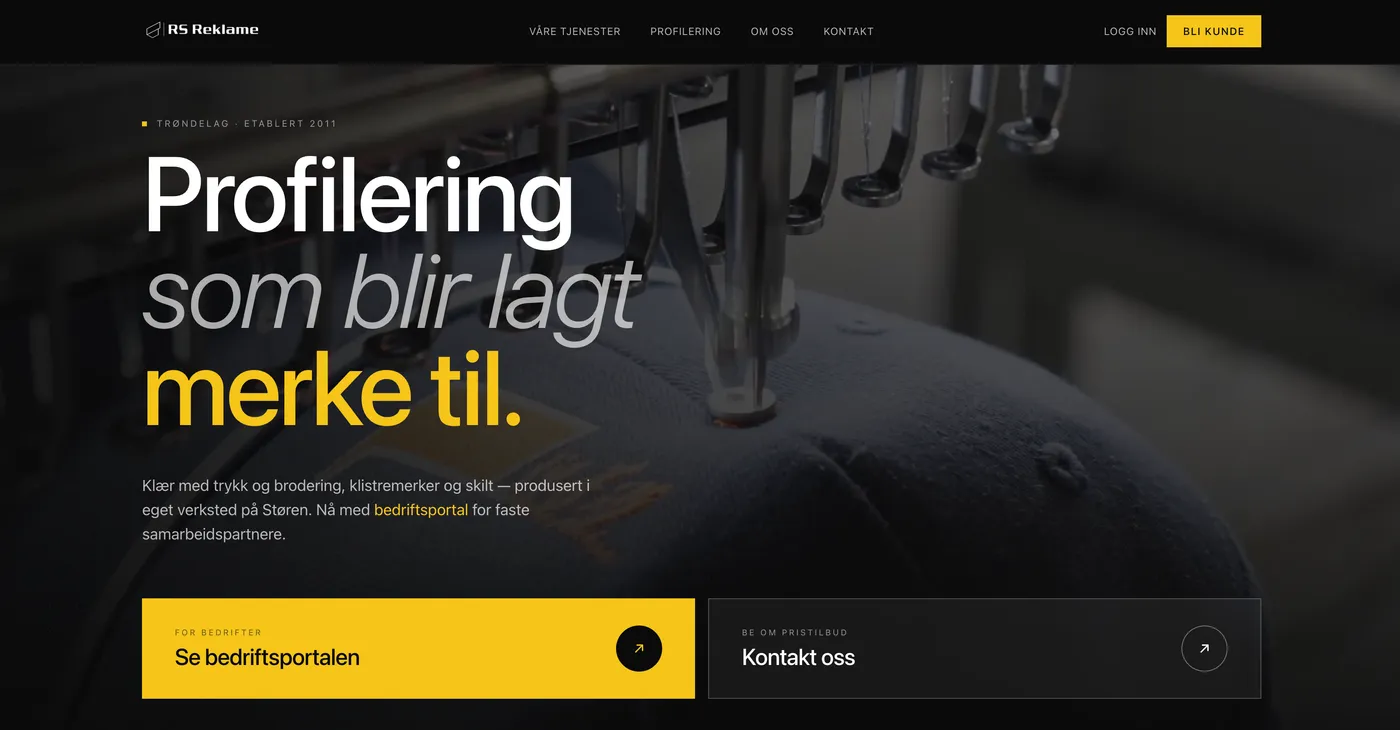 Delivered byNettify Consultingrsreklame.no
We finally have a site that shows what we actually do, plus a dedicated customer portal for our regular partners. Nettify handled everything — a tidy process and good help the whole way.

Marthe
August 7, 2026
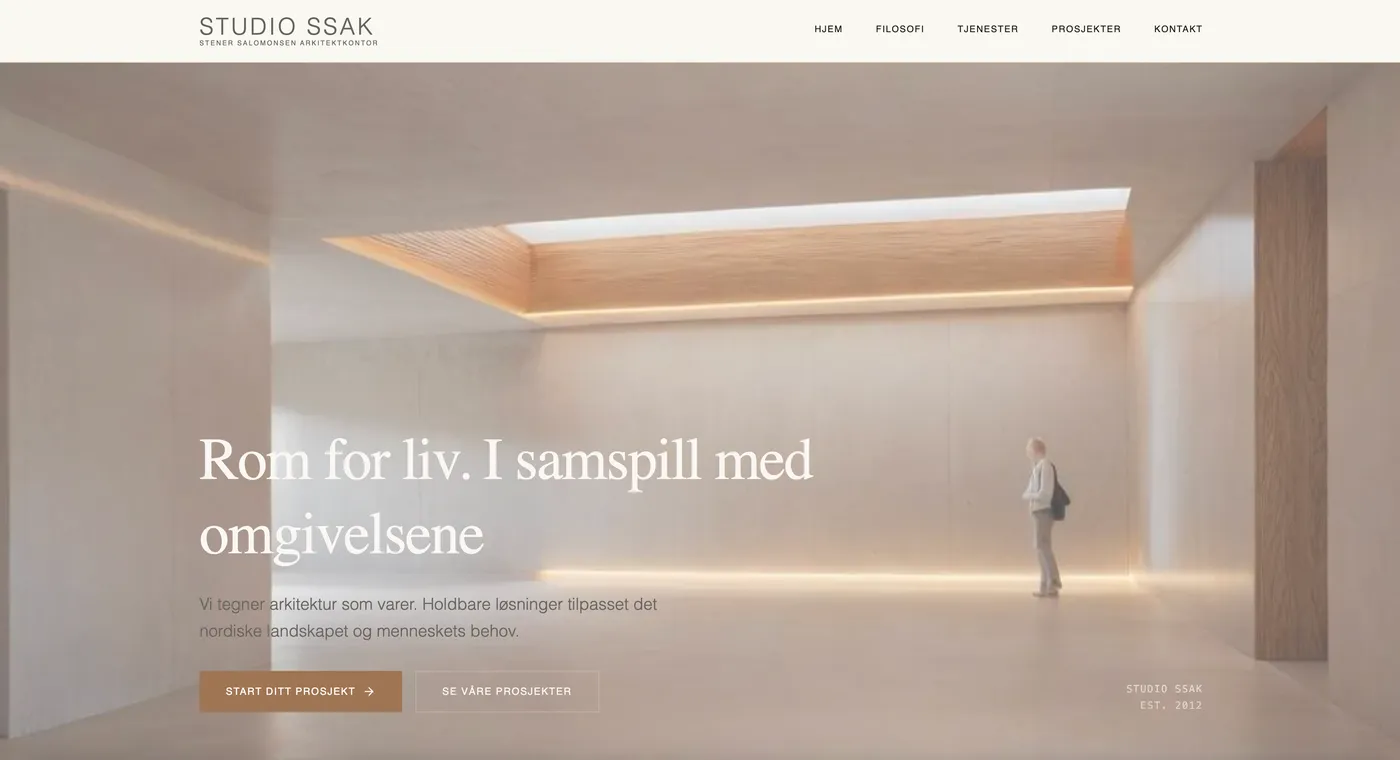 Built withNettify
Simple and intuitive website builder. I'd tried Wix, WordPress and Squarespace without getting the result I wanted. With Nettify the process was faster and the result was better! Recommended!

Karoline S.
August 6, 2026
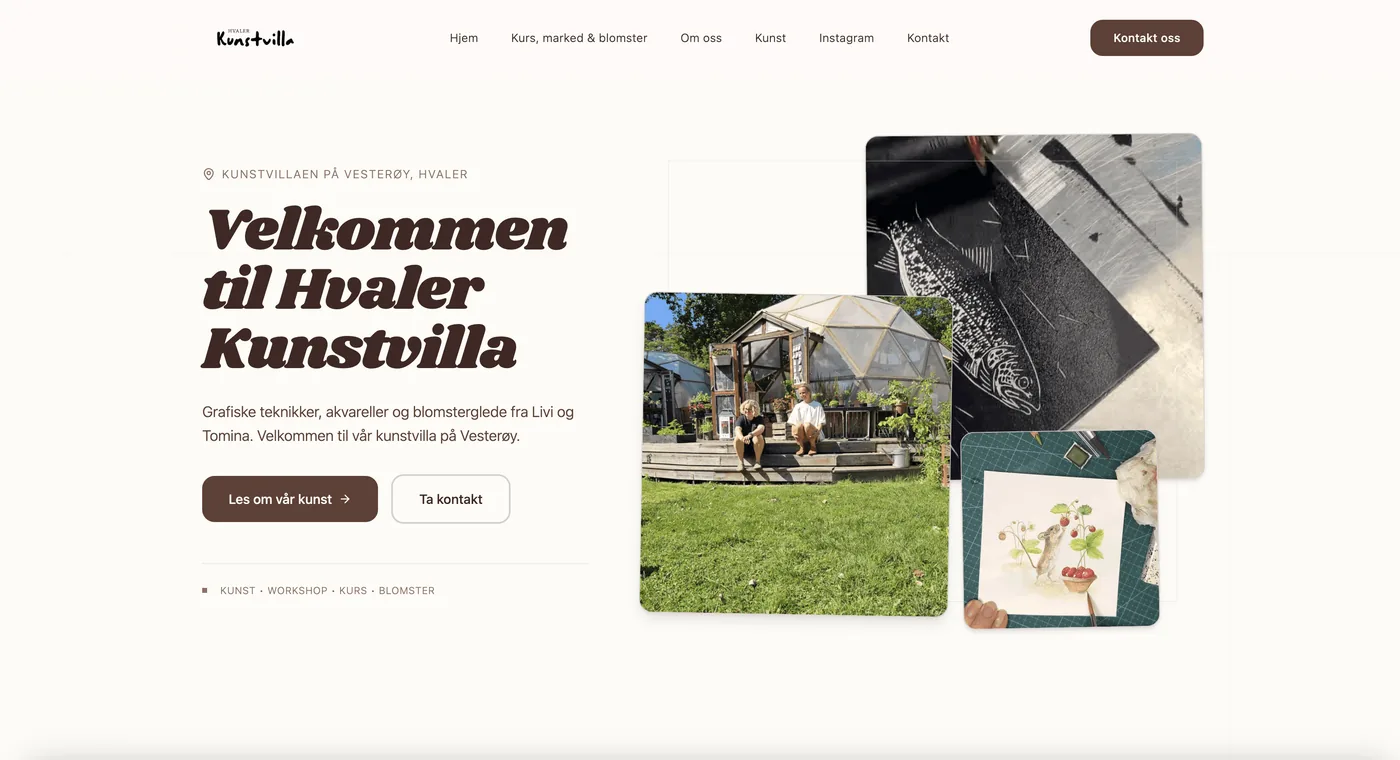 Built withNettifyhvalerkunstvilla.no
We're really happy with the Nettify website builder — how simple it is, while still letting you do more advanced things. You always reply quickly, you're proactive, and you sort things out so we always get what we want on the site — even when it's features you don't really have, you've helped us get it the way we want. Thank you so much!
Hvaler Kunstvilla
July 28, 2026
 Delivered byNettifyhairbyshler.no
I'm really happy with the new online store with Vipps payment. The service was great, and Nettify delivered incredibly fast!

T. Shler
June 25, 2026
 Delivered byNettifygrundernesverktoeykasse.no
Nettify delivered the website for Gründernes verktøykasse, and I'm so happy with the result! The process was tidy and easy the whole way, and the site turned out exactly the way I pictured it — clean, modern and professional. As a consultant it means a lot to have a website I'm proud to show off. Thank you for a great job!

Konstali. L
June 22, 2026
 Built withNettify
I struggled with Squarespace for ages — it felt clunky, and I never got my site quite the way I wanted it. Then I switched to Nettify, and what a difference! It's such an easy website builder, and the site turned out so much nicer than before. Warmly recommended 😊

Similla.A
June 13, 2026
 Built withNettifybokelskeren.com
Nettify is a breath of fresh air in the web market. As a consultant I've been looking for a system I can pass on to my clients, and from now on I'll be recommending Nettify. The system is easy to navigate and the support is great. The fact that there's a Norwegian founder behind it is a plus in my book — it means deeper knowledge of the Norwegian market and support that's closer to home.

Line.K
June 10, 2026
 Built withNettifybioreshelse.no
I chose Nettify to build a new website for my company Biores Helse. They're fast and create great design. Looking forward to using bioreshelse.no. Thanks for what you've put together! Best, Tore Geir Nilsen.

Tore.N
June 9, 2026
 Delivered byNettifyprimevents.no
Really happy with Nettify - an easy tool to use for editing the site. We update the content ourselves whenever we need to, and everything works just as it should 👌

Dakaj F.
June 5, 2026
 Delivered byNettify Consultingsyndinstoga.no
Nettify have been incredibly professional and easy to work with through the whole process. After we had to switch developers mid-project, they took charge quickly, understood our needs and delivered a modern, clean site in no time — structured, solution-oriented and available the whole way, with great suggestions that improved both design and user experience. The result is a professional site that really reflects Syndinstøga and the experience we want to give our guests. We highly recommend Nettify 👍

Audun J.
May 7, 2026
 Delivered byNettifylysefjordenrental.no
We got a multilingual site delivered in Norwegian, English and German for booking kayaks, boat rentals and outdoor gear. Professional process and the result turned out exactly the way we wanted.

Espen.J.
April 15, 2026
 Delivered byNettify
We got the package delivered as promised, and the whole delivery from A to Z was completely seamless. Professional process all the way, and our site turned out exactly the way we wanted. Recommended!

Dr.M
April 28, 2026
 Delivered byNettifyetobicokehealthclinic.com
Nettify delivered a professional website that truly represents the EHP brand. The design feels clean, modern and trustworthy — exactly what we wanted for our clinic. The process was smooth from start to finish and we couldn’t be happier with the result.

Stephanie A.
April 22, 2026
 Built withNettify
User-friendly platform for building your own website. I like that I can update the content myself whenever I want.

Jelena H.
April 20, 2026
 Delivered byNettify2marine.no
Turned out really great! This tool is pure gold — I edit things myself and everything comes out exactly the way I want. My site looks really premium and professional.

Askild H.
April 8, 2026
 Delivered byNettifym3utleie.no
We're happy with the site we got! It came out modern and user-friendly, and the FINN.no integration works perfectly. The process was easy and the result was excellent. Recommended!

Kristina G.
June 3, 2025
 Delivered byNettifyevgruppen.no
The site turned out really well! Everything from design to functionality works. Very happy with the result 👌

Markus R.
October 9, 2024
 Built withNettifymatte.no
The frontend was built with Nettify, and the result is a fast, modern and really user-friendly web app. Everything works and the platform makes it easy to keep developing the solution. Very happy with the result!

Erai S.
January 15, 2026
FAQ
Frequently asked questions
Can I move my WordPress site to Nettify?
Yes. Many of our users come from WordPress. You describe your business in Nettify, and AI builds a fresh draft - often better than the old one. We help via chat if you get stuck.
What about the plugins I use on WordPress?
Most plugin features are built into Nettify: contact forms, booking, SEO, gallery, analytics, cookie consent and more. No installing or maintaining.
Is it as customizable as WordPress?
Yes, on what actually matters for small businesses. You can adjust design, layout, colors, copy and structure without touching code.
What about my SEO ranking?
Nettify sites have SEO structure built in. You can set up redirects from old WordPress URLs to preserve rankings during the move.
How much do I save?
A typical WordPress setup runs 1000–3000 NOK/month (hosting + plugins + maintenance + developer). Nettify costs a fraction and includes everything.